Pre-built computers are built for specific needs, where each part’s picked to fit what you plan to do and how fast it should run. Building one starts by choosing parts wisely – matching CPU strength, RAM size, drive speed, or GPU power while staying on budget. Experts who put them together know which pieces work well together, making sure the motherboard fits the chip, the power unit handles total demand, and fans or coolers keep things from overheating during heavy use.
The physical build needs careful handling plus a sharp eye for small things. Putting in CPUs right means lining them up perfectly while using just enough thermal compound so heat moves well. RAM sticks should click into place entirely – those side clips’ve got to snap shut. Mounting hard drives or SSDs firmly stops shaking but still lets air move through. How you route wires affects how it looks and works; neat paths help cooling while making later fixes easier.
Quality checks wrap up the desktop building process. Heavy testing spots problems early, so things run smoothly when used daily. RAM gets checked to make sure every stick works right – no glitches missed. CPUs are pushed hard to see if cooling can handle full power without overheating. GPUs go through performance runs to match expected results – not just guesses. Drive tests measure real-world reading and writing speeds, showing actual performance. Once the OS is set up with correct drivers, machines are good to go out the door.
Custom Laptop Assembly and Configuration
Assembled laptops bring tricky issues that don’t pop up with desktops – tight rooms inside plus heat control headaches. Though actual building’s usually left to makers because of custom parts and weird tools needed, some shops tweak pre-made units so they fit special needs better. Experts swap out old spinning drives for fast SSDs, push RAM to its top limit, then load unique OS setups or tailor-made programs instead.
Small size means laptops need smart choices when upgrading parts. Many don’t allow RAM changes because chips are fixed in place. Swapping storage depends on space inside – some fit regular 2.5-inch disks, others only take slim M.2 cards. A hands-on check reveals what’s possible, pointing to budget-friendly fixes that boost speed and keep your machine running longer.
Heat control matters a lot when boosting laptop performance. As thermal paste wears out, it doesn’t move heat as well, so chips slow down to stay cool. Experts often swap old paste and clean fans, bringing temps back down for steady speed. Upgrades like better pads or new fans help cooling – but doing this wrong might break the warranty or harm the device.
Personal Computer Custom Assembly
Pre-built desktops fit different uses – whether it’s everyday tasks, serious gaming, or heavy-duty creative work. Picking the right one starts by figuring out what you’ll actually use it for, including software demands and speed goals. For office setups, stability matters more than power; they run on built-in graphics and mid-level processors that manage standard programs easily without drawing too much electricity or making noise.
Gaming rigs need strong GPUs to handle tough 3D worlds at fast speeds and sharp visuals. The CPU choice weighs quick solo-core response for games against solid multi-core power when streaming or editing videos. Fast RAM and drives cut down load times plus keep heavy games running without hiccups. Better cooling – sometimes using water loops – keeps temps steady on long play runs yet stays quiet enough for comfort.
Pro workstations tackle tough jobs like editing videos, building 3D models, running science simulations, or coding apps. They usually pack powerful CPUs with lots of cores, use pro-grade GPUs built for number crunching instead of games, plus loads of RAM to manage big files without slowing down. For storage, fast SSDs hold current projects while larger HDDs save old data – mixing speed and value smartly.
Budget-Conscious System Assembly
Putting together a laptop yourself can save money, since tailored builds usually give more bang for your buck than ready-made models. Picking parts wisely helps hit the sweet spot between cost and speed – skipping costly extras but still matching what you actually need. Older tech often cuts costs without much drop in speed, so those watching their wallet get solid performance without overspending.
The upgrade route matters a lot when building affordable setups. Early builds could use basic parts in some spots, swapping them later once funds grow or needs change. Picking the right board and power unit up front keeps things smooth down the road. Focus on solid basics – the mainboard, CPU, because those are harder to swap out later. Save cash on pieces like RAM or drives since they’re simpler to replace over time. That way, the machine stays useful without needing full replacements.
Used or secondhand parts can save you money – but checking them closely matters to avoid issues later. Good sellers often include test results plus a warranty, which helps lower the gamble of buying gear someone else used before. Swap in fresh drives for speed and safety, pair ’em with older cases or power units from trusted sources – cuts price without tanking performance.
Desktop Personal Computer Specialized Configurations
Desktop PCs built from scratch handle needs off-the-shelf models don’t cover. Tiny setups pack strong parts into tight spots, needing smart picks to keep temps down when room’s limited. They usually trade extra slots for size, using mini-ITX boards with unique cases that make every inch count.
Quieter performance matters a lot when setting up gear in places like music studios or hushed workspaces. Instead of loud setups, these use processors cooled without fans, cases fitted with soft-mounted fans that spin gently, also power units designed to stay barely heard. Picking pieces that run cooler means less need for aggressive airflow, which cuts down on ruckus. Materials built into the chassis help muffle internal sounds, making everything feel more subdued during everyday use.
Home theater PCs handle both movies and light gaming thanks to flexible setups. These builds pack solid performance into compact, sleek enclosures that fit right next to your TV gear. Instead of bulky towers, they use slim designs matching living room aesthetics without sacrificing everyday computer tasks. Some come with remotes or IR sensors so you can control them from the couch. Audio is tuned for big sound through surround setups yet still works like a regular desktop. You get smooth video streaming along with enough power for casual games now then.
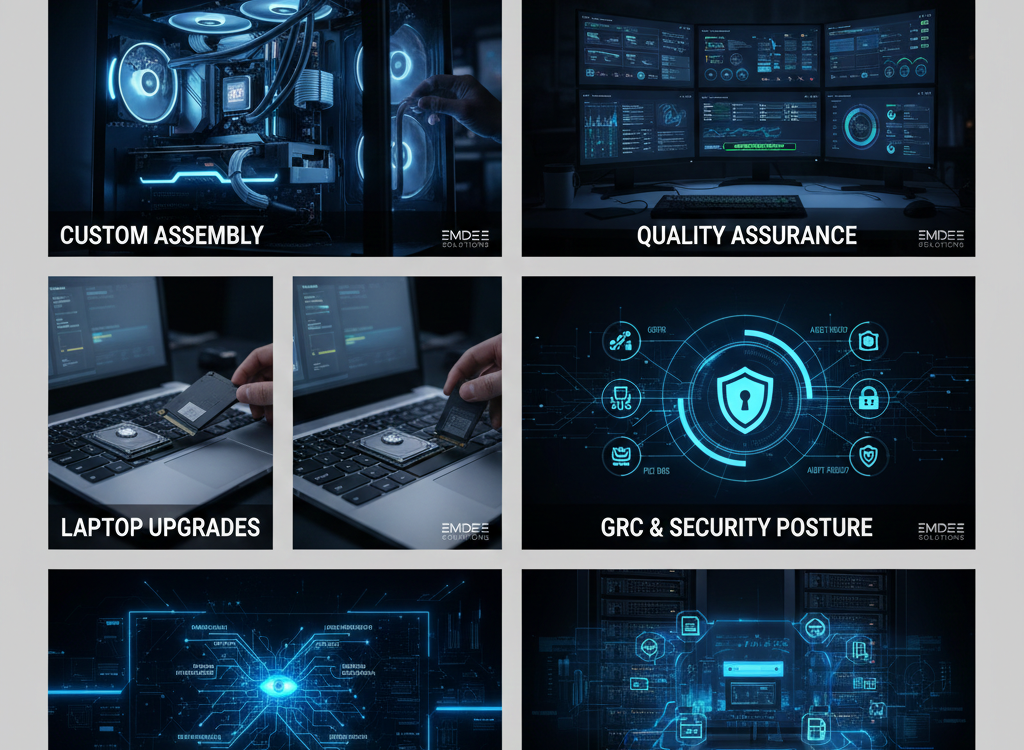
Assembled Desktop Personal Computer Quality Assurance
Desktop builds go through checks so they work well over time. Tests look at parts, steady operation, and heat handling when pushed hard. Systems run full throttle for hours – catching weak spots ahead of shipping. Tough screening cuts down on breakdowns that mess up work or gameplay.
Documentation helps keep systems running smoothly over time. Plus, it supports improvements down the road. Component lists include precise model names so users find correct drivers without hassle. These details also help check if new parts will work together. Each part’s warranty info shows what protection exists when things go wrong. That way, owners know exactly what they’re covered for. Guides walk through BIOS settings step by step. They cover how to tweak the OS after installation. Maintenance tips are included – these habits boost lifespan. All steps aim to prevent problems before they start.
Good help after setup sets pro builders apart from basic installers. Skilled workers fix glitches, explain ways to boost performance, or suggest smart upgrades when new tech shows up. When software acts up – drivers clashing, OS bugs, apps not playing nice – support steps in. Help like this means you’re covered well past the first boot-up, making the whole ride smoother.
The Strategic Imperative of Governance, Risk, and Compliance (GRC)
Good IT safety comes from solid rules, smart choices, and following laws. Instead of just reacting, teams use this setup to match protection steps with real dangers while staying within legal lines. It means checking risks often – on purpose – to spot problems before they hit daily work or money reports.
The security crew needs to show clear proof they’re following rules like GDPR, HIPAA, or PCI DSS. Instead of manual checks, Emdee’s tools make it easier by automatically tracking cloud setups with CSPM tech. Because of that, companies stay audit-ready all year – no last-minute panic before reviews. With steady oversight in place, teams can back up their security progress using real data whenever asked.
The backbone of today’s company depends heavily on how well its tech systems can resist ever-changing online dangers. Instead of just one safeguard, using multiple layers – like managed security services – helps block more threats before they strike. Spotting weak spots early with regular checks is key, while solid backup strategies keep things running if something goes wrong. Emdee delivers full-spectrum protection, working nonstop to guard vital information and maintain operations when attacks happen or data leaks loom.
With more companies using AI and machine learning to stay ahead, demand for focused security solutions rises. As the online world changes fast, fresh threats pop up – like hacks targeting ML systems or leaks of sensitive info from generative AI tools.
Ai security posture management’s becoming essential so using smart tech doesn’t open big risks. Instead of just reacting, Emdee uses fresh methods like machine learning to track user actions and guess where attacks might come from. These tools work together to keep their edge in handling IT safety stuff. By thinking ahead, they help customers stay strong now – and ready for sneakier threats later on. That way, private info stays locked down and data keeps being trustworthy.
Conclusion
Information technology security is now a must-have part of running a business, since online dangers are growing while rules push harder on safeguarding data. Instead of just reacting after things go wrong, staying ahead by spotting weak spots early works better – and saves money compared to dealing with full-blown hacks that leak private info. Firms such as Emdee offer deep know-how in tools, threat insights, and smart strategies most teams can’t build on their own. Protection covers everything from networks and devices to constant watchfulness and quick action when issues pop up.