The way we keep homes safe has changed a lot in ten years, thanks to new tech that helps families guard their houses better. Knowing what tools are out there lets people pick smart solutions – ones that stop risks without making life harder or stressful.
Smart Safe Solutions for Contemporary Residences
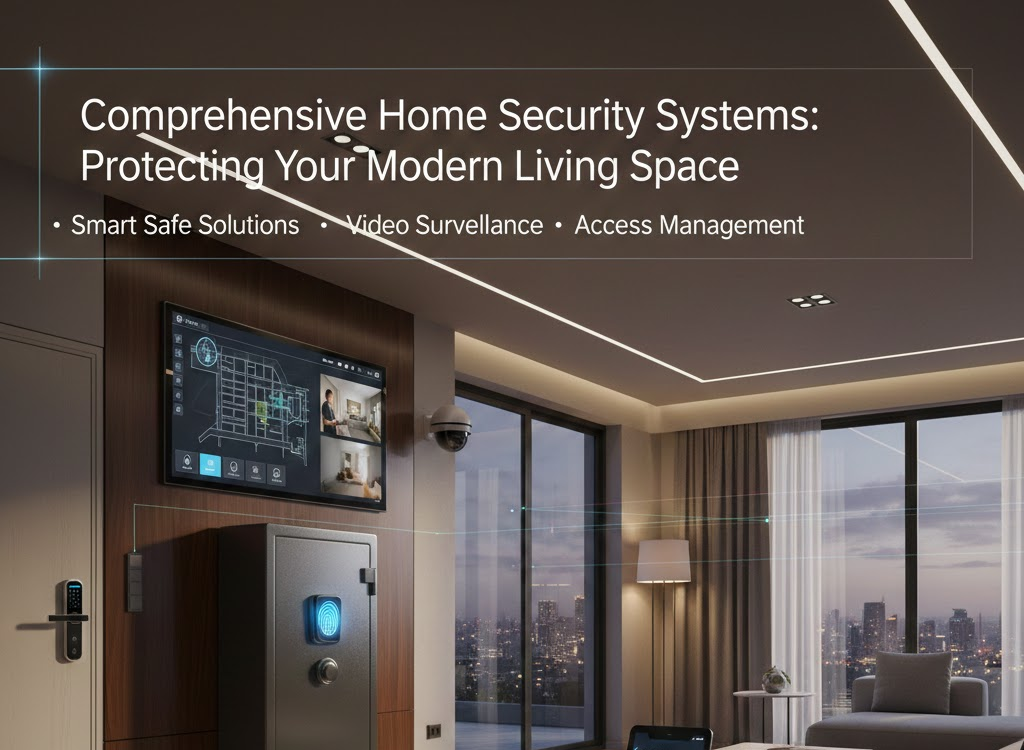
Modern home safety starts with clever storage to keep prized items and papers secure. Instead of old-school locks, smart safes use fingerprint scans, letting you watch them remotely, while sending alerts if someone tries breaking in. These updated units link up smoothly with other smart devices at home, so owners can check on belongings anytime using phone apps from any location.
The tech inside modern safes isn’t just about locks. Instead, high-end versions adjust air moisture and heat to protect delicate stuff – like papers, pictures, or USB drives. On top of that, fireproof parts and tight seals guard against floods or flames. Meanwhile, certain upscale units come with built-in cameras snapping pics of whoever unlocks them, logging every entry visually.
Installing smart safes your way matters just as much as anything else. Mounting on walls keeps them fixed yet saves room on the ground, while standalone units move easily – perfect if you shift homes often. Linking up with current home tech means the safe works alongside your setup instead of sitting apart.
Video Surveillance Systems for Residential Properties
Complete video monitoring is key to today’s home safety setups. Instead of just recording, smart camera systems now use clever tech to tell apart everyday actions from possible dangers. They work well at night thanks to infrared vision, which helps keep watch when it’s dark. Sharp HD quality gives clear footage no matter the lighting around doors or windows. Wide-view lenses cover more area without blind spots outside.
The smart positioning of security cams gives wide coverage, cutting out hidden zones without invading personal space for homeowners or those nearby. Today’s setups often feature entryway devices letting you chat live with guests, boundary units watching the edges of your land, and indoor ones checking on home life when no one’s around. Footage gets saved online for months, building handy records useful if dealing with insurers or police later.
Intelligent motion detectors cut down fake alarms by getting used to how things usually move near your place. Instead of reacting to pets, special sensors ignore cats or dogs but still notice people. On top of that, some setups tell who’s there – spotting known faces and shooting off a personal alert when someone from the family shows up. If it sees an unknown person hanging around, it gives you a heads-up right away.
Integrated Home Security Platform Development
Home security setups now work as one team instead of separate pieces, linking different safeguards smoothly. These networks tie together alerts from doors, windows, movement, broken glass, smoke or gas issues, even leaks – funneling everything to a main control spot. This hub keeps track of what’s happening around the house at all times, giving clear oversight without gaps.
The design of today’s security setups focuses on backup options plus solid performance. When web access fails, cell-based backups keep things connected instead. Power cuts don’t stop the system – batteries take over right away. Experts watch your setup live, stepping in if real danger shows up, so tech alerts get checked by actual people before action happens.
Households pick settings that fit how they live, tweaking alerts based on personal habits. Lights switch on by themselves, thermostats shift – triggered when security turns active, making empty houses seem lived-in. As people move, phone location helps the system know whether to turn on or off, so no one must remember a thing yet safety stays solid.
Advanced Access Management Technologies
Smart door locks change the way people get into buildings. Instead of keys, these systems use digital ways to open doors – so there’s no risk of losing them or someone making a copy. Fingerprint scans lock out anyone who isn’t approved, giving top-notch protection. Other options, like PIN codes or special cards, work just as well while being user-friendly. Phone apps can also act as virtual keys, blending ease with safety.
The adaptability of today’s access systems works well for short-term entries. Homeowners set up codes that expire after a certain time – ideal for repair people, cleaning crews, or visitors – with entry allowed only at scheduled times and shut off automatically later. Alerts pop up instantly when someone unlocks a door, so occupants know exactly who came in and when. When linked with camera setups, each person entering gets recorded on video, giving proof tied directly to the key or code used.
Folks living in big houses – or places with several entrances – find multi-door control super handy. Instead of one-size-fits-all access, parents might let kids into some zones but block others, while grown-ups get through everywhere. On top of that, every time someone opens a door, the system writes it down – not just who did it, but when and where they went.
Door Access Control Infrastructure for Residential Applications
Door access setups at home don’t just handle who gets in – they keep an eye on every way someone could enter. Today’s systems usually cover main doors, back entrances, garages, side gates, plus any weak spots intruders might try. When these checkpoints work together, rules stay tight across the whole place without making life harder for those living there.
Mechanical setup matters a lot when installing access systems. Instead of electric strikes, some go for maglocks or motor-driven bolts – each offers different perks and safety levels. What you pick hinges on how the door’s built, how it should look, plus what kind of protection is needed. Get it installed by someone skilled so everything lines up right and gets enough juice; otherwise, parts might fail, leaving doors stuck or people locked out.
The emergency features in home locking setups help prevent people from getting stuck inside when fire or crises hit. Yet, physical release options make sure folks can still get out fast if tech fails. Meanwhile, first responders might hold special keys to enter during urgent moments. Designing these systems means weighing risks carefully – keeping people safe matters more than guarding stuff.
Holistic Security System Design and Implementation
A solid home security setup needs careful thinking – like your house shape, daily habits, or what risks worry you most. Experts check weak spots, suggest useful tech, yet build step-by-step protection to block break-ins in more than one way. They look at local crime rates, how much outsiders can see the place, bushes or trees hiding entry paths, also what locks or alarms are already in use.
The setup stage turns safety strategies into working setups using skilled fitting and adjustments. Because sensors, cameras, plus control units are placed just right, performance gets a real boost. Signal quality matters – so techs check Wi-Fi reach, energy needs, while watching out for anything blocking smooth operation. After everything’s hooked up, tests run to confirm each part works, reacts right when triggered, so families can trust it once live.
User training helps residents get how the system works and what it can do. Step-by-step guidance goes over turning the system on or off each day, handling emergencies, also fixing typical glitches when they pop up. A lot of setups allow several user accounts with varied access rights – so it’s key to explain who gets which controls and why some limits are in place. Ongoing check-ins offer help for problems that come up later, while making sure protection stays strong even if home situations shift.
Complete Desktop and Laptop Assembly Services
The tech world’s seen a big rise in custom-built computers – these setups often outperform store-bought ones while giving better bang for your buck. Knowing how they’re put together, what parts work best, or when to tweak things helps you make smarter choices whether it’s for work or daily use. Each decision shapes a system that fits exactly what you need without wasting time or cash.
Conclusion
Information technology security has evolved into a critical business function as digital threats proliferate and regulatory requirements increasingly mandate proper data protection. Professional IT security services provide comprehensive protection encompassing network security, endpoint protection, security monitoring, and incident response capabilities. Companies like Emdee bring specialized expertise in security technologies, threat intelligence, and best practices that most organizations cannot develop internally. The proactive approach to security—identifying and addressing vulnerabilities before exploitation rather than reacting to breaches—proves far more effective and economical than attempting to recover from successful attacks that compromise systems or expose sensitive data.
Emdee knows how to handle network safety, device shielding, info protection, user access control – also constant watch systems. That wide range means solid defense instead of weak spots you get with single tools. The crew keeps up with new dangers and tech shifts, so customers always tap into fresh safeguards. Since risks keep changing, sticking with skilled pros brings flexible, real-time coverage.
A hands-on approach focuses on actual protection while staying within financial limits. Because it spots weak points now, teams can tackle what matters most first. Plans mix fast fixes for urgent dangers with steady steps toward stronger defenses over time. Since updates happen often, safety measures keep up as goals shift and new risks appear.
Security training tackles risks people create – tech alone can’t fix these. Emdee teaches staff what dangers exist using real-life scenarios that stick. Instead of lectures, they use interactive tools so habits actually shift over time. Fake phishing attempts check how well folks respond under pressure. These drills spot who might need extra help staying alert. Over time, safety becomes part of daily routines at work. It’s no longer just an IT team job – it spreads across every role.